
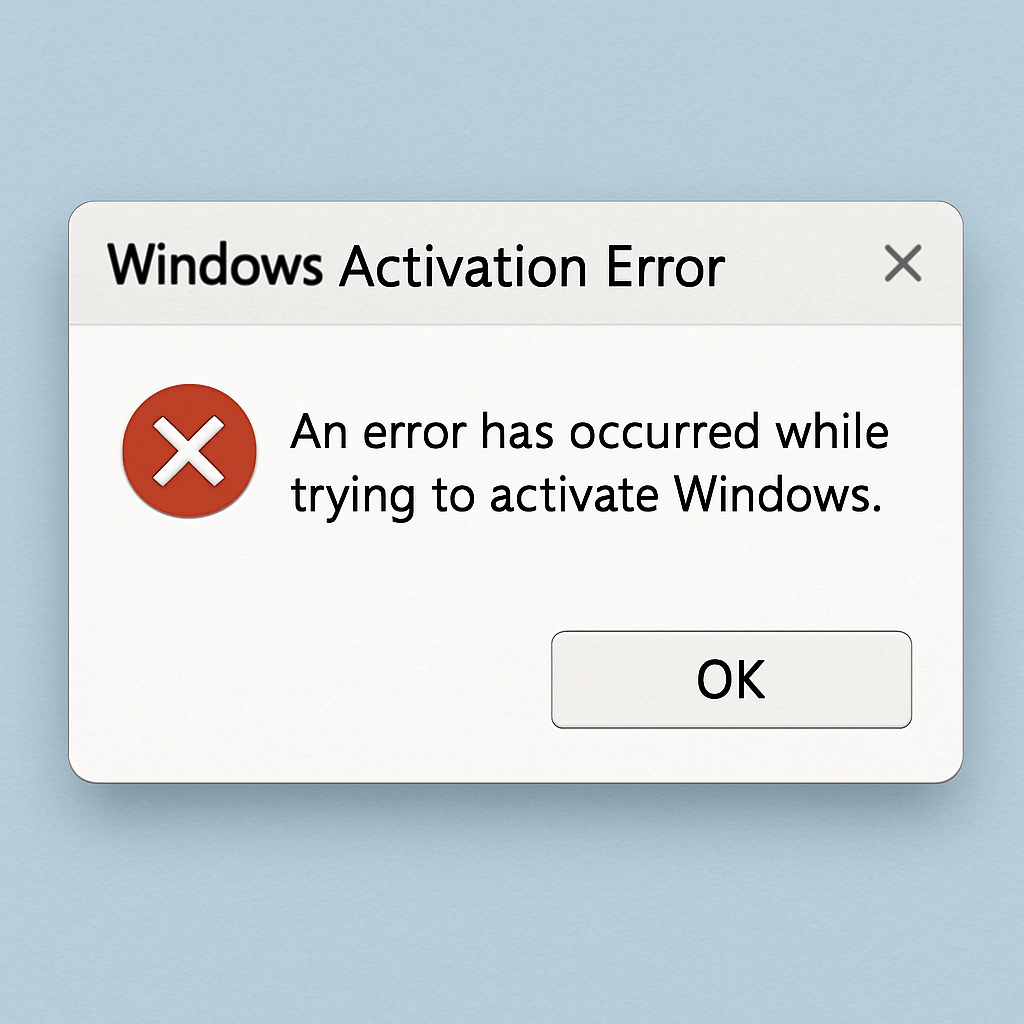
Troubleshooting Windows 7 Ultimate Activation Issues
 Activating Windows 7 Ultimate can sometimes be a daunting task, especially when facing activation issues. Whether you’re reinstalling the operating system or encountering errors with your current setup, understanding the activation process can help you troubleshoot effectively. In this guide, we’ll explore common Windows 7 Ultimate activation issues and how to resolve them.
Understanding Windows 7 Activation
Activation is a process that verifies your copy of Windows is genuine and not used on more devices than the Microsoft Software License Terms allow. It helps prevent software piracy and ensures that you receive the full support and updates from Microsoft.
Why Activation is Important
The activation process is crucial for maintaining the integrity of your operating system. Without activation, you might face limitations such as reduced functionality, inability to access updates, and persistent notifications reminding you to activate.
Common Activation Issues
Several issues can arise during the activation of Windows 7 Ultimate. Here are some of the most common problems and their solutions.
Invalid Product Key
One of the most frequent issues is entering an invalid product key. This can occur if you mistakenly type the wrong characters or use a key that doesn’t match the version of Windows you’re trying to activate.
Solution:
- Double-check the Key: Ensure that you have entered the correct characters. Product keys are typically 25 characters long and may include numbers and letters.
- Check Version Compatibility: Make sure your product key corresponds with your version of Windows 7. A key for Windows 7 Professional won’t work for Windows 7 Ultimate.
Activation Error Codes
You might encounter error codes during activation. Common ones include 0xC004F061 and 0xC004C008.
Solution:
- 0xC004F061: This error means you’re using an upgrade version of Windows 7, and a previous version of Windows wasn’t installed. To resolve this, ensure you have a qualifying version of Windows installed before upgrading.
- 0xC004C008: This error indicates that the product key is being used on more PCs than allowed. Contact Microsoft Support for assistance.
Lost Product Key
If you’ve lost your product key, you’ll need to retrieve it to activate your Windows.
Solution:
- Check the Original Packaging: The product key is often found on a label or card inside the box that Windows came in.
- Digital Purchase Email: If you purchased Windows 7 online, check your email for a confirmation message from Microsoft, which should include the key.
- Use a Key Finder Tool: Programs like Belarc Advisor or ProduKey can help you retrieve the product key from your current installation.
How to Find Your Windows 7 Product Key
Finding your Windows 7 product key is essential, especially if you need to reinstall or troubleshoot activation issues.
Methods to Locate the Product Key
- On the COA Sticker: Look for a Certificate of Authenticity (COA) sticker on your computer. This is common on pre-built systems.
- In the Windows Registry: Although not straightforward, you can find your product key in the Windows Registry. However, it is often encrypted and not human-readable.
- Using Third-party Software: Applications like ProduKey can scan your system and display the product key.

Steps to Activate Windows 7 Ultimate
Once you’ve located your product key, follow these steps to activate Windows 7 Ultimate:
- Open the Activation Window:Click on the Start button.Right-click on ‘Computer’ and select ‘Properties’.Scroll down to find the ‘Activate Windows Now’ section and click on it.
- Enter Your Product Key:Type in your 25-character product key.
- Activate Online:Ensure your computer is connected to the internet.Click ‘Next’ and follow the prompts to complete the activation.
- Phone Activation:If online activation fails, choose the option to activate by phone.Follow the on-screen instructions to get a toll-free number and call for activation assistance.
Tips for Successful Activation
- Keep Your Product Key Safe: Always store your product key in a secure place where you can easily access it if needed.
- Ensure a Stable Internet Connection: Activation requires a reliable internet connection, so ensure your network is stable during the process.
- Contact Microsoft Support: If you continue to experience issues, don’t hesitate to reach out to Microsoft Support for professional help.
Conclusion
Activating Windows 7 Ultimate is crucial for enjoying all the features and benefits of the operating system. By understanding common activation issues and knowing how to find your product key, you can troubleshoot and resolve activation problems efficiently. Remember to keep your product key secure and take advantage of Microsoft’s support resources if needed. With the right approach, you can ensure that your Windows 7 Ultimate installation is genuine and fully functional.