How to Create a Secure Password and Protect Your Online Accounts
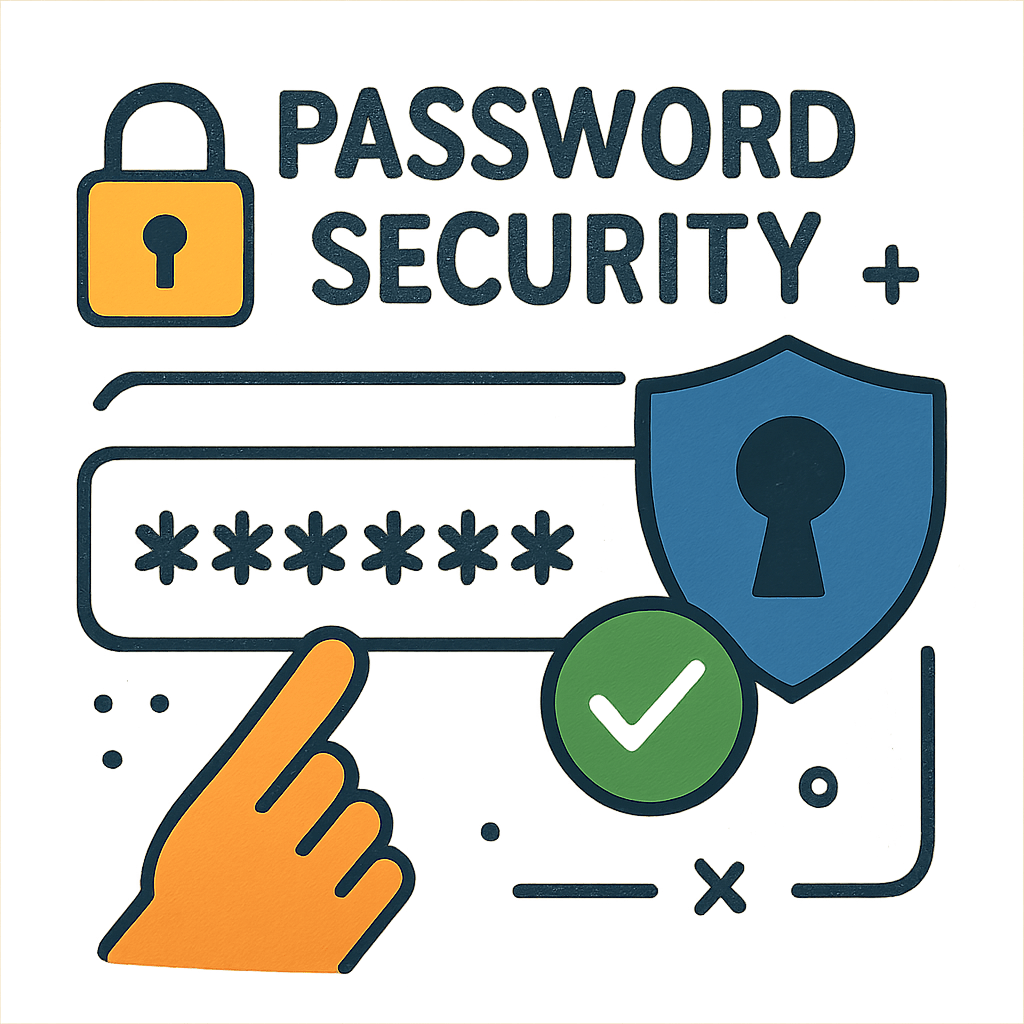
In today’s digital age, safeguarding your online accounts with secure passwords is more important than ever. With cyber threats on the rise, a strong password is your first line of defense against unauthorized access and identity theft. But how do you create a secure password that’s easy to remember yet hard to crack? Let’s dive into the art of password creation and explore tools that can help protect your digital life.
 A secure password acts as a gatekeeper to your personal information. Think of it as a lock on your digital door, keeping intruders out. Weak passwords are like using a flimsy lock—easy for cybercriminals to pick. The stronger your password, the more difficult it is for hackers to access your accounts, making secure passwords an essential part of online safety.
The Risks of Weak Passwords
Weak passwords are easy to guess and often reused across multiple accounts. This practice poses a significant risk, as a breach in one account can lead to a domino effect, compromising your entire digital presence. Hackers employ techniques like brute force attacks and dictionary attacks to crack weak passwords in seconds.
Benefits of Strong Passwords
A strong password is unique, complex, and difficult to guess. It provides a robust defense against cyber attacks, ensuring your personal data remains secure. By implementing strong passwords, you not only protect your accounts but also enhance your overall digital security.
How to Create a Strong Password
Creating a strong password doesn’t have to be complicated. By following a few simple guidelines, you can develop passwords that are both secure and memorable.
Key Characteristics of a Strong Password
- Length: Aim for at least 12-16 characters. The longer the password, the harder it is to crack.
- Complexity: Use a mix of uppercase and lowercase letters, numbers, and symbols.
- Unpredictability: Avoid using obvious combinations like “123456” or “password”.
- Uniqueness: Use different passwords for different accounts to prevent multiple breaches.
Tips for Creating Memorable Passwords
- Use a Passphrase: Combine random words into a sentence or phrase. For example, “BlueSky!Jump24”.
- Incorporate Numbers and Symbols: Replace letters with numbers or symbols to add complexity. For example, “P@ssw0rd123”.
- Acronyms or Initials: Use the first letter of each word in a sentence. For example, “I love coffee every morning” becomes “Ilc3m!”.
 The Role of Password Managers
Password managers are tools designed to store and manage your passwords securely. They not only help you create strong passwords but also eliminate the need to remember multiple passwords.
Benefits of Using a Password Manager
- Security: Password managers encrypt your passwords, keeping them safe from prying eyes.
- Convenience: Auto-fill features save time by automatically entering your credentials on websites.
- Password Generation: Generate complex passwords with a single click.
- Centralized Management: Manage all your passwords from one secure location.
Choosing the Right Password Manager
When selecting a password manager, consider factors like security features, ease of use, and compatibility with your devices. Popular options include LastPass, Dashlane, and 1Password.
Protecting Your Online Accounts Beyond Passwords
While strong passwords are crucial, they are just one part of a comprehensive security strategy. Here are additional steps you can take to protect your online accounts.
Enable Two-Factor Authentication (2FA)
Two-factor authentication adds an extra layer of security by requiring a second form of verification, such as a text message or authentication app, in addition to your password.
Regularly Update Your Passwords
Change your passwords regularly, especially if you suspect a breach. Even the strongest passwords can become vulnerable over time.
Monitor for Suspicious Activity
Keep an eye on your account activity and look for signs of unauthorized access. Many services offer alerts for suspicious login attempts.

Stay Informed and Educated
Stay updated on the latest security threats and best practices. Knowledge is a powerful tool in protecting your digital identity.
Conclusion
Creating a secure password is a simple yet effective way to protect your online accounts from unauthorized access. By understanding the risks of weak passwords and embracing tools like password managers, you can bolster your digital security and enjoy peace of mind. Remember, a strong password is your first line of defense—make it count!
Incorporate these practices into your online routine and share them with friends and family to foster a safer digital environment for everyone. Stay secure and protect your online presence with confidence.